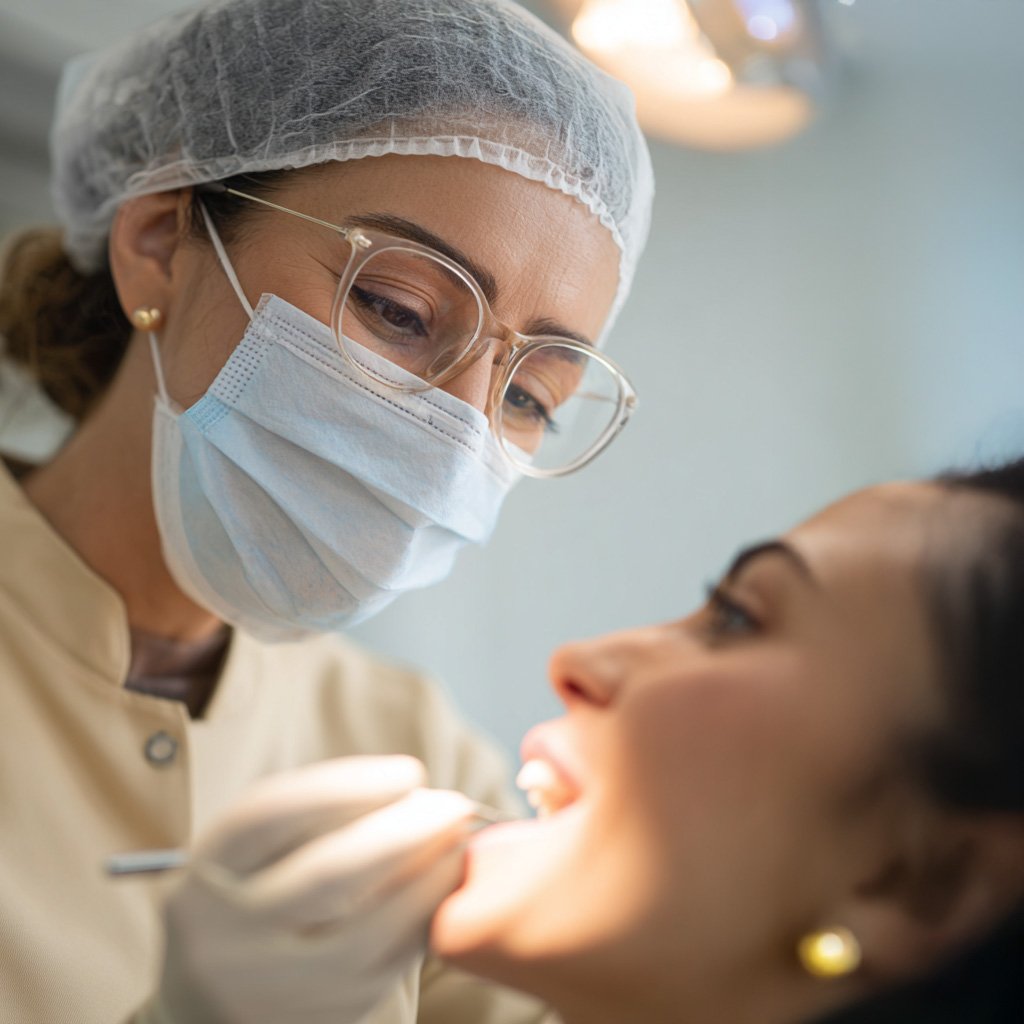
NTA S-PRO G2 is an intraoral scanner for color scans of hard and soft tissue. The live view updates as the wand moves so the scan can be checked during capture. A full-arch intraoral scan is specified at under 5 minutes, shorter than a conventional impression sequence.
Access and scan time: The wand is used in a range of mouth-opening angles. Specified full-arch scan time is under 5 minutes.
Digital capture chain: Color intraoral data can be reviewed on screen during the appointment and shared with the laboratory.
Clinical use: Files are used for restorative, implant, and orthodontic CAD/CAM workflows.
Support: Device use, file export, and service follow the IFU and the distributor channel.
Why NTA S-PRO?
Color scan: The intraoral scanner records color data and updates as the wand moves so hard and soft tissues can be distinguished on screen.
Built-in anti-fog: The scan tip supports the listed disinfection modes and uses automatic heating to limit fogging during a pass.
Scan depth of field: Specified depth of field is 15 mm.
Cloud storage: Scan files can be stored in the cloud for clinic–lab transfer.
SOFTWARE AND AI TOOLS
Software tools on the scan files:
AI cleanup: The software can remove non-dental surfaces such as hand, tongue, lip, and mucosa from the scan.
Reliability map: Low-confidence areas are marked in orange so they can be rescanned.
Open CAD/CAM export: Files export as .STL, .PLY, and .OBJ for use in Exocad, 3Shape, and Dental Wings.
Analysis tools: Die analysis is used for restoration fit. Occlusion analysis measures contact points in millimetres. A lock tool holds selected regions so they are not overwritten.
Orthodontic simulator: Treatment steps can be shown on screen for case discussion.
CONVENTIONAL IMPRESSION VS. INTRAORAL SCANNER (S-PRO G2)
Conventional impression versus intraoral scan:
Conventional impression: Tray and material setup takes longer. Impression material can trigger gagging. Laboratory turnaround is longer, and the physical model is a single fixed record.
With S-PRO G2: Scan setup is shorter and does not use impression material. Color files can be reviewed with the laboratory during the same visit. Prosthesis turnaround depends on the CAD/CAM workflow.
After we started using the NTA S-PRO intraoral scanner, impression visits were more comfortable for patients and prosthesis fit to the recorded intraoral anatomy improved.
I am satisfied with NTA S-PRO scans and with technical service. Full-arch work and modelless Ti-base cases have been consistent in our clinic.
The NTA S-PRO intraoral scanner improved patient comfort during capture. Chair time for those visits was about half of our previous impression workflow.
BROCHURES AND DOCUMENTS
NTA S-PRO G2 BROCHURE
Open or download the brochure for the listed specifications.
Request a demonstration of the intraoral scanner. A demo covers wand handling, the specified accuracy figures in the IFU, and how files move into the CAD/CAM workflow.